

Empower Senior Independence With GPS Guidance Explore Now
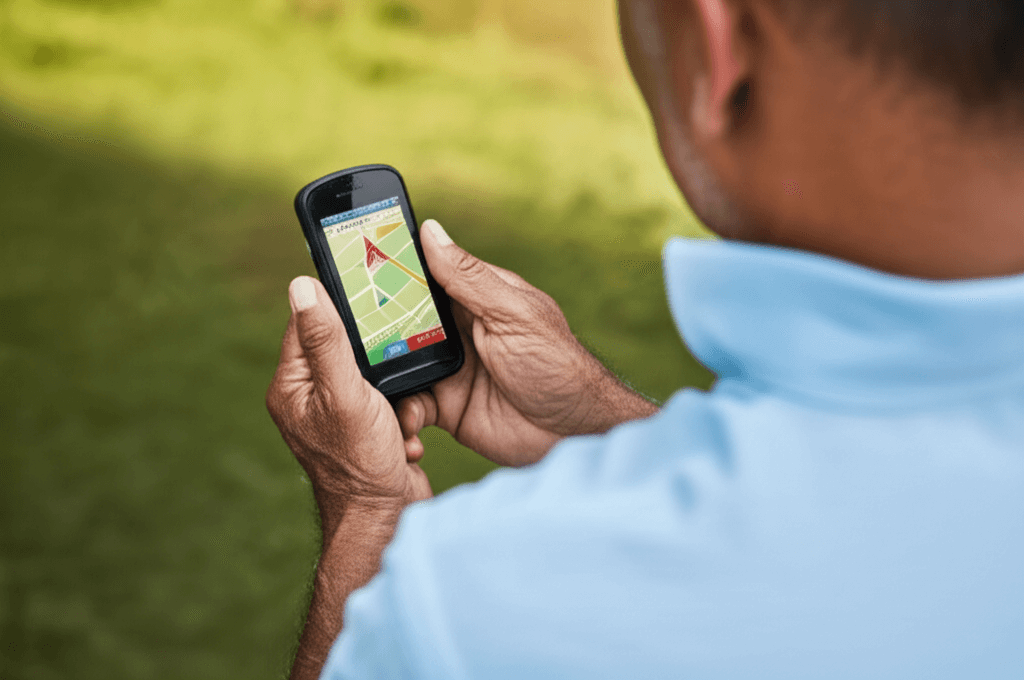
Older adults who like going out for errands, park visits, and social trips keep their independence and stay safe by using GPS devices made for easy, real-life use. These devices show practical options and features that help seniors find their way with confidence, while letting family and friends stay in the loop without being overbearing. Discover how simple tech can make a big difference and bring peace of mind to everyone involved. Keep reading to unlock the secrets that make getting around easier and safer.
We will cover how different devices work how to choose the right product for specific needs and how to prepare for outings so that new technology becomes a smooth part of daily life. Expect clear examples checklists and hands on tips you can try this week.
Why GPS guidance helps seniors stay active and confident
When older adults remain mobile they preserve routines social ties and mental engagement. A compact GPS device or a simple app can provide location sharing route reminders and quick help options. These tools do not replace personal care but they create a practical safety net for short trips and familiar routes.
Benefits include easier solo trips to local shops predictable arrival time updates for family and quick access to emergency numbers. For someone who lives on their own a small wearable with one button can be a game plan for outings without losing freedom.
Types of GPS options for older adults and what they offer
There are several categories to consider depending on tech comfort level mobility needs and budget. Each option has tradeoffs in setup simplicity battery life accuracy and ongoing costs.
Smartphone apps
Modern phones include built in location tools and many apps created for tracking loved ones. Advantages include maps voice directions and minimal extra hardware. Drawbacks are the phone must be carried charged and setup involves permissions that some older adults find confusing. Choose apps that use large fonts easy to tap buttons and clear privacy choices.
Dedicated wearables and pocket trackers
These devices often focus on one task and provide long battery life and rugged housings. Common features are fall detection emergency call buttons and simplified interfaces. A small pendant worn around the neck or a wristband can be less intrusive than a phone and easier to keep charged.
Other options include in car trackers for drivers who want route logs or location alerts and hybrid packages that combine a wearable for the senior with a web portal for family members.
Must have features for GPS tools aimed at seniors
When comparing products look for items that match daily needs and reduce friction. The following checklist highlights features that make a real difference.
- Easy to read displays and clear audible prompts
- Simple emergency call button with two way voice when possible
- Reliable battery life and clear charging instructions
- Geofence alerts that notify a contact if a user leaves or arrives at a preset area
- Location accuracy that works in urban and suburban settings
- Privacy options so the older adult controls who sees location and when
Safety and privacy concerns every family should discuss
Location tools can feel intrusive if they are introduced without a conversation. Before turning on sharing features talk about expectations boundaries and what triggers an alert. Decide together who receives notifications how often and what information is shared.
Data security matters. Review the provider privacy policy and ask about how long location history is stored if data is encrypted and what happens if the company changes ownership. For seniors with cognitive changes establish a plan that honors dignity and keeps critical contacts informed.
How to set up a GPS device for a smooth first outing
Practice at home first. Run through the power on sequence charging routines and test the emergency button. If using an app set up contacts and show how to cancel false alerts.
Route rehearsal and comfort checks
Pick a familiar short route such as a walk to a mailbox or a grocery pick up location. Walk the route together once and note spots with poor signal such as indoor mall corridors. Teach simple steps to get back home if a phone or device shows an unexpected route.
Emergency contact list and protocols
Create a concise card that lists two contacts one local and one out of town plus any medical notes relevant for first responders. Keep a printed card inside a wallet and save the same information inside the device settings where possible.
Cost factors subscriptions and hidden fees
Some GPS devices are one time purchases while others require monthly service for location reporting fall detection or cellular connectivity. Compare the total annual cost not just the up front price. Look for transparent billing and trial periods when available.
- Pay as you go data plans may be cheaper for occasional use
- Family plans can reduce per person cost when more than one person uses the service
- Check warranty terms and what customer support options are included
Training tips that build confidence for seniors and families
Small practice sessions are more effective than a long instruction manual. Spend fifteen minutes each week on device checks charge management and how to call for help. Positive reinforcement after a successful solo trip helps the senior feel in control.
Role play scenarios such as a missed bus or a wrong turn and walk through steps to get back on track. Keep instructions short and print them on a card that can be kept with keys or a wallet.
Real life examples and how communities are using GPS tools
Local programs often integrate simple GPS options for older adults who volunteer in community gardens or run errands. Articles and community posts can show tested devices and stories that match your routine. One such write up looks at practical pairing of wearable devices with everyday tasks like shopping or tending small outdoor plots and that piece can give useful local examples and vendor links for further reading Triangle Gardener.
Case example 1
- A retired teacher used a pendant with a single button to manage weekly grocery trips. Simple button training and weekly battery checks removed the need for family members to call before every trip.
Case example 2
- A man living with mild memory changes used a combined system that sent arrival alerts to a neighbor. That allowed him to keep volunteering while giving the neighbor a way to check in without creating frequent interruptions.
Making a plan for ongoing review and adjustments
Technology and personal needs change. Set quarterly check ins to review device performance battery life and subscription worth. If routes change update geofence settings and emergency contacts. Keep a short log of trips and any false alerts so you can troubleshoot with support teams or change settings as needed.
When a device is no longer meeting needs replace it with a better fit instead of trying to force a difficult setup. Swapping to a different form factor such as a wristband from a pendant can resolve comfort issues that prevent consistent use.
Conclusion summary and next steps
GPS tools are practical helpers for seniors who value mobility and independence. They let people handle routine tasks social visits and hobbies with fewer interruptions from family while keeping key contacts informed when help is needed. Choosing the right device is about matching simplicity to daily life from clear screens and long battery life to straightforward emergency options. A small amount of practice and a short family agreement on privacy makes a big difference in uptake and ongoing use.
Start by identifying the most common trips the older adult makes and select one device that fits those needs. Test it at home and on a short route and put a simple card in the wallet with emergency contacts and device basics. If you would like real world examples and local perspectives consider reading community stories that compare gear and explain how helpers and neighbors worked together to support short outings. Follow up this reading with a trial or demo when available and schedule a brief monthly check in to keep the setup working for everyone. Taking these steps will help the person you care about continue to move with purpose and dignity while family members keep an unobtrusive safety net in place.
 Small Business Owners
  Safely Transport Home Appliances
  Air Conditioning, A Necessity
  Benefits Of Agricultural Biotechnology
  Exercise for Scoliosis
  Ways To Stop Dog Licking